
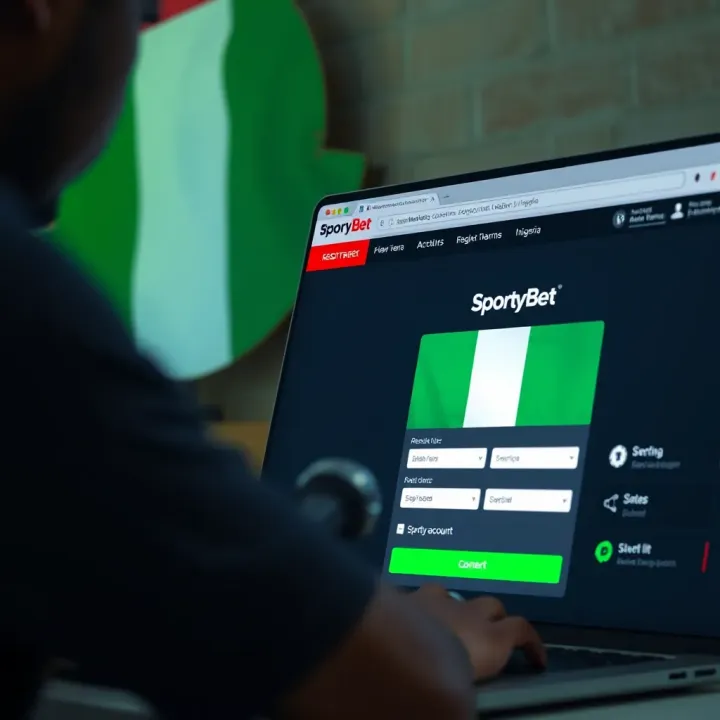
How to Register and Log In to SportyBet Nigeria
🎯 Learn how to register and log in to SportyBet Nigeria easily. Get tips on account setup, solving login issues, security, and using the app on your phone. 📱
Edited By
Oliver Bennett
Betting on SportyBet has become popular among Nigerian punters, but many struggle to access the platform smoothly on older mobile phones. The Mlite version of SportyBet solves this issue by offering a lightweight, fast-loading site specifically designed for devices with limited resources or slower internet connections. This guide will show you how to register and use SportyBet Mlite on your old phone without glitches or frustration.
Unlike the full SportyBet app or desktop site, the Mlite platform uses less data and loads quickly even on 2G or 3G networks, which are common in many parts of Nigeria. You won't need a high-end smartphone or fast fibre internet to enjoy online sports betting and casino games.
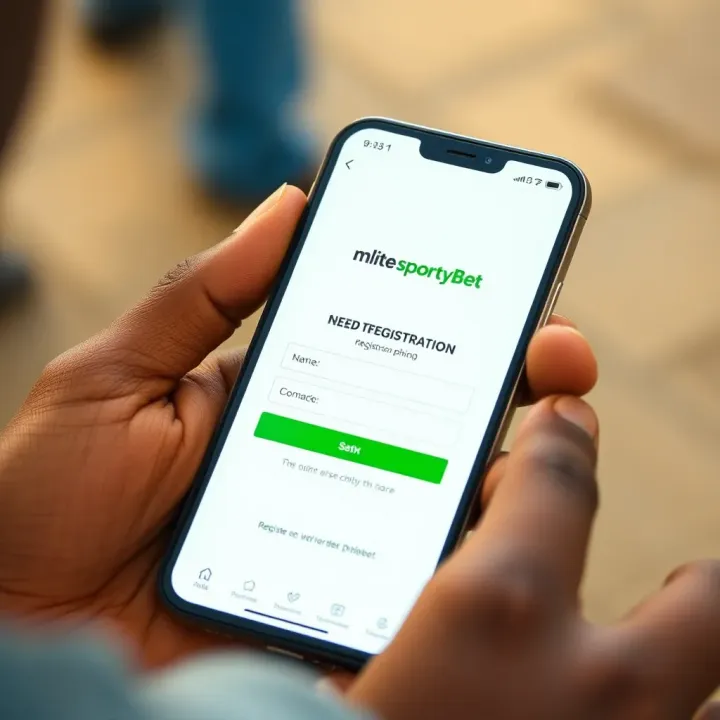
Faster loading times: The stripped-down design reduces data usage and boosts speed.
Lower battery consumption: Older phones often have weaker batteries, and Mlite helps reduce power drain.
Simpler interface: Easy navigation without overwhelming graphics or animations.
Compatibility: Works on most feature phones or basic smartphones running older Android versions.
Before you start, make sure your phone:
Has a basic browser like Opera Mini or UC Browser for improved performance.
Is connected to any available mobile network (2G, 3G, 4G).
Has enough balance for data purchase (a few megabytes are sufficient).
Remember, even without a smartphone, you can participate in online betting using Mlite. This platform bridges the digital divide for many Nigerians who still use common feature phones or low-budget devices.
Next, you'll learn the step-by-step registration process and tips to enjoy smooth betting experiences with SportyBet Mlite on your old mobile phone.
Understanding Mlite SportyBet is key for anyone using older mobile devices in Nigeria who wants smooth and hassle-free betting. This version of SportyBet is designed with practical challenges in mind, especially for users whose phones aren’t compatible with the full app or who struggle with limited internet connections. Knowing why and how to use Mlite helps you avoid frustration and enjoy the betting experience even on simple phones.
Mlite SportyBet is a lightweight version of the main SportyBet platform. It is built to run efficiently on basic phones and slow networks, stripping away heavy graphics and complex features. Its main purpose is to allow users with low-end devices or unreliable internet to access most core betting functions without lag or excessive data use. For instance, if you have a basic Nokia or a smartphone with limited RAM, Mlite lets you place bets, check odds, and follow games without struggling with app crashes or long loading times.
Compared to the full SportyBet app, Mlite offers fewer fancy features but retains essential functions like betting markets, wallet management, and live updates. The full app is more graphic-intensive and is made for smartphones with better processing power and faster internet, like 3G or 4G. On an old device, trying to use the full app is often frustrating because it hogs data and can freeze. Mlite trims the excess but keeps you in the game—for many Nigerians this means being able to bet comfortably without upgrading their phones immediately.
The lite version suits older devices and slow networks because it’s optimised for minimal data consumption and quick loading even on 2G or unstable 3G connections. This is crucial in Nigeria where many users reside in locations with patchy coverage and rely on affordable, basic phones. For example, someone in a rural town with a Lagos-style slow data connection can still enjoy live betting action without the usual delays or app failures.
One major benefit of Mlite is significantly lower data consumption. Unlike the full app which can quickly eat up hundreds of megabytes, Mlite saves you money by using less data and loads pages faster. For bettors who pay per megabyte or use limited daily data plans, this means longer playtime and less worry about high data charges.
Mlite also works well with basic mobile browsers like Opera Mini, UC Browser Mini, or even some default phone browsers. This compatibility reduces the need to install heavy applications or worry about app installation failures, which often happen on older phones with limited storage. With just a browser, you get seamless access to betting options wherever you are.
Another clear advantage is the simplified interface designed for easy navigation. The Mlite site has clear menus and fewer distractions, making it easier to find your sport, pick bets, and manage your account even on small or low-resolution screens. This removes confusion and helps users focus on betting rather than fumbling with complicated layouts or unnecessary animations.
Using Mlite SportyBet means you don’t have to ditch your old phone or wait for better data coverage to enjoy betting. It’s a practical solution for Nigerians who want reliable and cost-effective access to online betting.
In short, Mlite SportyBet adapts the betting experience to fit your device and connection, delivering value without demanding top-end technology or expensive data plans.
Before you sign up on Mlite SportyBet, ensuring your old mobile phone is ready can save you lots of frustration. Older devices may struggle with some apps or websites, but with proper preparation, you can enjoy a smooth betting experience. This involves checking whether your phone’s hardware and software can handle the Mlite platform, as well as making sure your internet connection is stable enough.
Older phones, such as basic Java or feature phones, often run simplified operating systems. Mlite SportyBet is designed especially to work well on such devices, but some models may still face difficulty. Generally, phones running on Android versions from 5.0 upwards or basic browsers on older feature phones can access the site. For instance, a popular device like the Tecno Camon X with Android 8 performs well, while some older Nokia phones relying on older browsers might struggle.
The choice of browser significantly affects your SportyBet experience. Lightweight browsers like Opera Mini are ideal for old phones because they compress data and load pages faster. The default Android browser and UC Browser can also handle Mlite well, as they support basic JavaScript and HTML5 functions necessary for the site. Avoid heavy browsers like Google Chrome on very old devices, as they tend to slow down the phone or crash frequently. In practice, using Opera Mini on a low-end phone often results in quicker page loads and less data usage.

Mobile data is typically the main internet source for many Nigerians, especially those using older phones without Wi-Fi capability. Efficiently managing your data can prevent constant interruptions. To do this, close background apps that consume data, and try to stay within networks with good coverage—like MTN or Airtel in your area. For example, while on the road using an okada, constantly switching between strong and weak signals may disrupt your betting activities.
If your connection is slow or unstable, try a few tricks to improve it. Accessing SportyBet during less busy times, like early morning, can reduce congestion on mobile networks. Also, enabling data saver modes on your browser helps reduce the size of pages loaded. If you’re near a Wi-Fi hotspot at a mama put or barbing salon, use it to register or place bets to avoid frustration from poor mobile data. These practical tips help you avoid slow loading or failed transactions on your old phone.
Preparing your device carefully before registration means less downtime and better control over your bets. A stable setup lets you focus on making smart wagers rather than wrestling with technology.
By taking these steps, your old mobile phone can smoothly support Mlite SportyBet's registration and subsequent betting activities, even on limited hardware and patchy networks.
Registering on Mlite SportyBet with an old mobile phone is straightforward once you know the steps. This guide ensures you avoid common pitfalls such as slow loading or input errors. Particularly for Nigerians using older devices with limited internet, knowing exactly how to register saves time and frustration, making the betting experience enjoyable and accessible.
The correct URL for the lite site is specially designed to work well on old phones and slow networks. It’s a simpler version of the main SportyBet site, using less data and loading faster. For example, entering the Mlite SportyBet URL directly in your mobile browser avoids unnecessary redirects or full-site load that could slow your device.
Navigating from your mobile browser is easy. Open your preferred browser—browser choice matters as some older phones work better with lightweight options like Opera Mini or UC Browser. Simply type the Mlite SportyBet address into the browser’s address bar and wait for the site to load. From there, look for the “Register” or “Sign Up” button prominently placed on the homepage to begin registration.
You’ll need to provide your full name, date of birth, valid phone number, and email address. This information helps SportyBet verify your identity and prevent fraud. Using accurate details ensures smooth withdrawals and account recovery if needed.
Setting up secure login details is critical. Choose a username that’s easy to remember but not too obvious. For your password, combine letters, numbers, and symbols to make it strong but manageable on your old keypad. Always avoid common passwords like "123456" or your birth year to keep the account safe.
In some cases, SportyBet requires identity verification to comply with Nigerian betting regulations. This might mean submitting a picture of your government-issued ID, such as an NIN slip or international passport. Completing this step quickly helps avoid verification delays and enables you to make deposits or withdrawals without restrictions.
Page loading errors can happen, especially on congested networks or older devices. If the registration page stalls, clear your browser cache or switch to a different browser to improve speed. Avoid heavy data-consuming apps running in the background that could slow your connection.
Verification delays are common during peak hours. If you don’t get a confirmation message or email within a reasonable time, double-check the contact details submitted. Also, ensure your inbox isn’t full or your phone isn’t blocking messages from unknown numbers.
If problems persist, reach SportyBet’s customer support via their help centre on the Mlite site or through WhatsApp. Nigerian bettors have benefitted from quickly resolving issues this way, getting back to placing bets or cashing out winnings without hassle.
Registering carefully and patiently on Mlite SportyBet unlocks the fun and potential profit of sports betting even on the oldest phones. With this step-by-step process, you are ready to join the game.
Understanding how to use Mlite SportyBet efficiently on your old mobile phone is key to enjoying a smooth betting experience. Because older devices have smaller screens and limited processing power, knowing how to get around the platform without frustration saves both time and data. This section highlights essential features like placing bets, managing your funds, and tracking your activities — all tailored for limited device capabilities.
Mlite SportyBet simplifies bet placement by offering quick selections suited for smaller screens. Instead of scrolling through endless menus, you can tap directly on key markets like football or basketball. The bet slip on the lite version is streamlined, showing only vital information to prevent clutter. This means you complete your bets faster without needing high data consumption — a major advantage for users relying on mobile data plans or slow connections.
Live betting is one of SportyBet’s highlights, even on the Mlite platform. You can access real-time odds updates during matches, allowing you to place bets as the game progresses. Although visuals are minimal to save data, the platform still provides clear odds and quick refresh options. This ensures that even on basic devices, you don’t miss out on exciting in-play betting opportunities.
Funding your SportyBet account or cashing out wins is straightforward, thanks to support for widely used Nigerian payment options. These include bank transfers via GTBank, UBA, and Access Bank; USSD payments such as *737# or *909#; and popular e-wallets like OPay and PalmPay. These methods are convenient and familiar to most Nigerian users, simplifying transactions without needing complex banking apps.
Security is paramount, particularly when using older mobile devices that might lack the latest software updates. Mlite SportyBet uses HTTPS encryption to protect your data during deposits and withdrawals. To strengthen security, avoid using public Wi-Fi for transactions and never share your login details. Additionally, clear your browser cache regularly to prevent unauthorized access. These small precautions help you maintain control over your betting finances.
The Mlite platform allows quick access to your betting history, showing settled and active bets in a clear list. This helps you monitor your activities without needing to load heavy graphics or extra pages. For example, you can check which matches you won recently or review unsettled bets to plan your next moves. This feature keeps you informed about your betting patterns right from your old phone.
Keeping an eye on your wallet is simple with Mlite. Your account balance is displayed prominently on the dashboard, updated instantly after deposits, withdrawals, or bets. Even on a small screen, you won’t struggle to see how much you have available. This makes it easy to manage your stakes carefully, ensuring you never spend more than you plan.
Using these core features smartly on Mlite SportyBet lets you enjoy a complete betting experience without the hassle of outdated devices or slow networks. Betting becomes both accessible and manageable, tailor-made for the Nigerian mobile user.
Using Mlite SportyBet on older phones requires some careful handling to avoid frustrations like slow loading, crashes, or security risks. This section offers practical tips to help you enjoy a smoother betting experience despite device limitations and Nigeria's sometimes patchy internet.
Using Wi-Fi hotspots when possible helps reduce data costs and improves connection speeds. Many old phones struggle with slow mobile data, especially in areas with poor network coverage. Connecting via a reliable Wi-Fi hotspot at home, work, or even some cafes can make a significant difference in loading times and reduce the risk of dropped sessions during betting.
For instance, if you live in Lagos or Abuja, you'll find frequent free and secured Wi-Fi spots in malls or libraries. Using these for your betting activities reduces the risk of running down limited mobile data quickly or experiencing interruptions that might cause missed opportunities.
Turning off background apps can free up your phone’s limited RAM and data, boosting SportyBet’s performance. Many older phones slow down when several apps run in the background, even if you’re not actively using them. Streaming music, social media apps, or messaging services simultaneously will eat into your data and processing power, making betting pages load sluggishly.
Closing unnecessary apps before launching Mlite SportyBet ensures your device dedicates resources to your bets. This is especially useful when placing live bets where every second counts.
Updating browser settings regularly is crucial for security and compatibility. Some older phones tend to use outdated browsers, which can have vulnerabilities or fail to load modern websites properly. By regularly updating your browser to the latest supported version for your device, you ensure access to improved security patches and a smoother user interface on SportyBet.
If your phone doesn’t allow updates easily, consider switching to light browsers like Opera Mini or UC Browser, which continue to receive updates and offer data-saving modes compatible with many older devices.
Being cautious with unsolicited links and ads protects your personal information and funds. Betting platforms attract scammers who send fake offers or phishing links, often through WhatsApp or SMS. Clicking on these can compromise your login details or install malware.
Always access SportyBet by typing the official URL directly into your browser. Avoid clicking random links shared on social media or informal groups. Recognise that SportyBet will never ask for full bank details through messaging apps, so be wary of any such requests.
Following official SportyBet communications is a reliable way to get accurate updates on promotions, rule changes, or platform maintenance. SportyBet usually shares announcements via their official social media channels and website news sections. Staying in the loop helps you avoid surprises, such as scheduled downtime or changes in payment methods.
Joining Nigerian betting forums and communities lets you exchange tips, warnings, and advice with fellow punters. Platforms like Nairabet forums or sections on Nairametrics provide spaces where users share experiences about betting challenges on old devices or unusual SportyBet behaviour.
Being part of such communities also exposes you to local strategies and insights that might not be obvious on the platform itself. This collective knowledge is gold when you’re working with limited phone capabilities and data.
A smooth, secure, and informed approach to using Mlite SportyBet on older phones ensures betting remains fun and profitable, not frustrating or risky.
🎯 Learn how to register and log in to SportyBet Nigeria easily. Get tips on account setup, solving login issues, security, and using the app on your phone. 📱
🎯 Learn how to register and log in to SportyBet Nigeria effortlessly! Get step-by-step tips, secure your account, and navigate betting options safely. 💻📲
🎯 Want to start betting on SportyBet? This guide shows how to register safely, verify your profile, fund your account, and bet smartly in Nigeria. 🏆
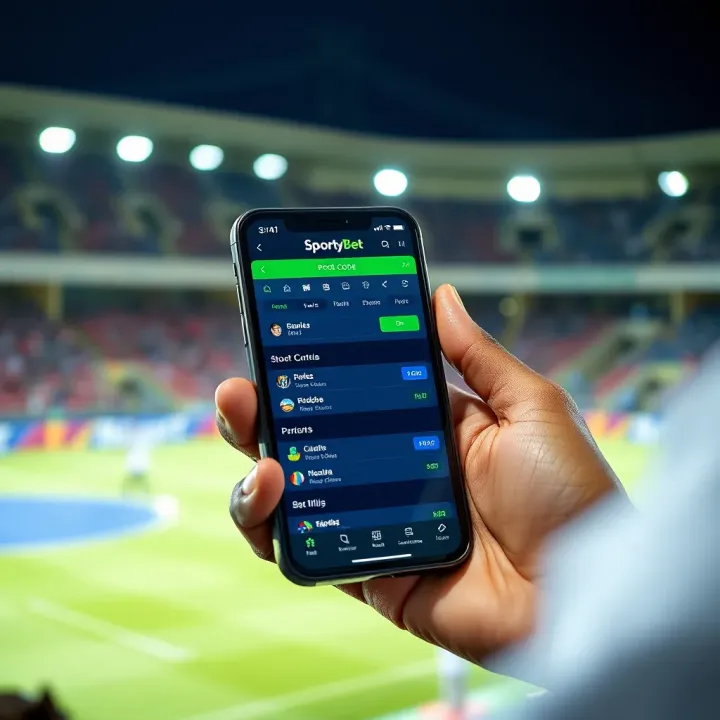
Discover how to use SportyBet pool code to join pool betting in Nigeria 🇳🇬. Learn registration, tips, and benefits to boost your ₦ winning chances now!
Based on 10 reviews